Digital loyalty cards live in the phone’s wallet: Apple Wallet on iPhone and Google Wallet on Android, next to bank cards and boarding passes. The customer installs nothing, the card opens from the lock screen, and the company can change the discount, points and design after the card has been issued. We built our own product on this, Apex Loop, and below we explain how such a card works from the inside: how it gets into the phone, how staff check it at the till, how we dealt with screenshots, and what limits Apple and Google set.
Why plastic and a custom app fall short
Plastic cards get lost, and every one has to be printed. A discount code handed out by word of mouth or in a newsletter spreads through group chats within an hour, and the discount ends up with people who have never bought anything from you.
A mobile app of your own solves this, but at a price. In our experience it costs from a million roubles and half a year of development. After launch every customer still has to be persuaded to open the app store, download it, sign up and not delete it a week later. For a coffee shop or a salon that is a long road for the sake of a discount.
A subscription loyalty service is cheaper at the start. But the customer base then sits with the service, and a company that decides to leave leaves without its customers.
We wanted the middle ground: a card in the company’s brand in the phone’s built-in wallet, while the customer list, purchase history and settings belong to the company. Apple names such cards directly as one of the Wallet pass types: its developer overview lists store cards as loyalty, discount, points and gift cards.
How a digital loyalty card gets into the wallet
In Apex Loop the path looks like this.
- The company designs the card. Programme name, colours, logo, banner, what goes on the front. Changes show up on the card image straight away.
- The system issues a link and a QR code. They are printed at the till, sent in chats, handed to an influencer.
- The customer opens the link and leaves a name and phone number, consenting to data processing. The consent is stored with its date and source, as the law requires.
- The card appears in the wallet. If the promotion includes a welcome discount or points, they are already on the card.
The card can carry store addresses, up to 10 in our case. When the customer is near one of them, the phone shows a reminder about the card by itself. Apple’s overview says Wallet can present a pass based on location on iPhone and Apple Watch.
One detail is often missed when choosing a solution. The wallet itself tells the system when a card is added and when it is removed. So the report shows how many cards really sit in phones, not how many times the link was opened. For the owner this is the key number of a loyalty programme.
How staff check the card
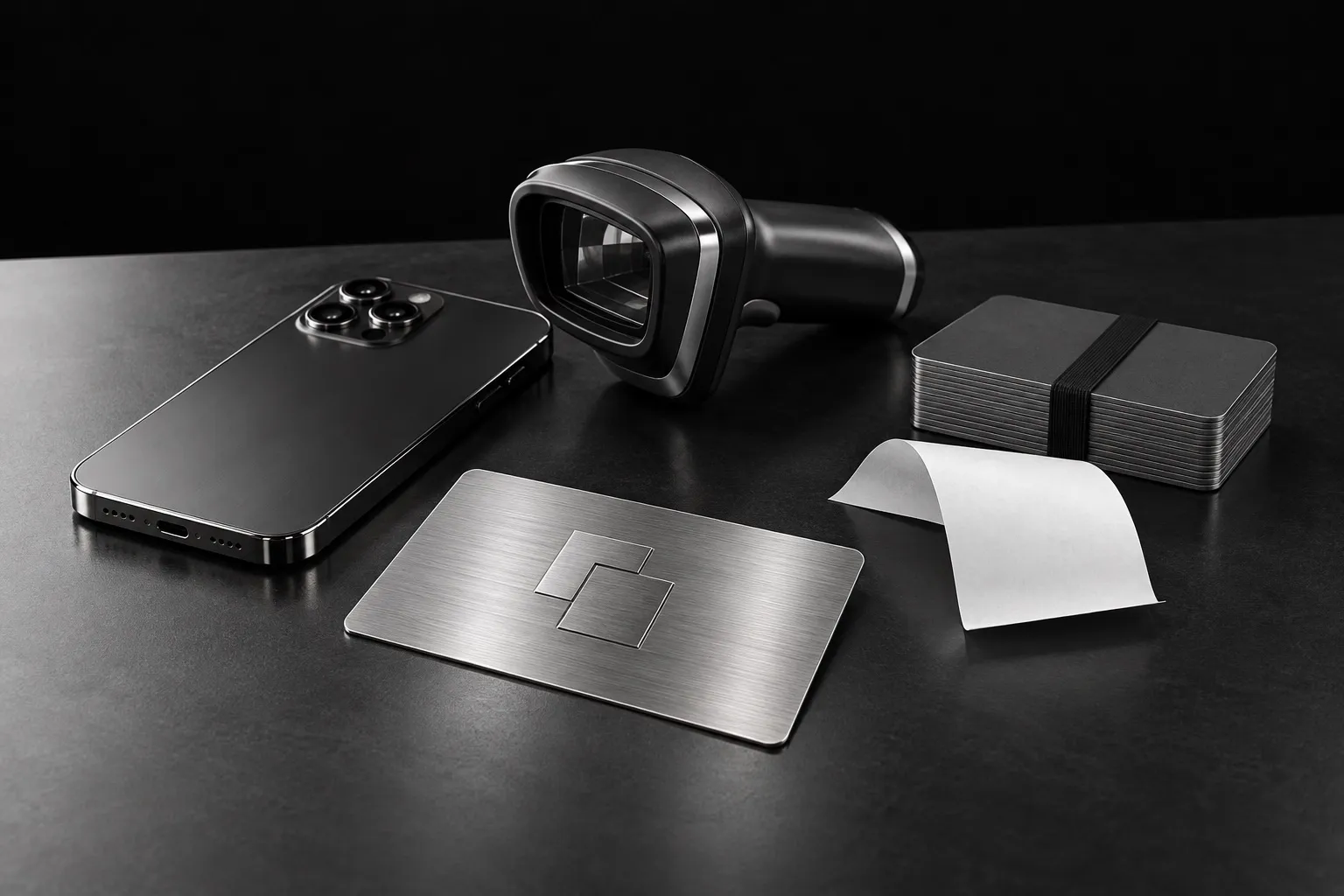
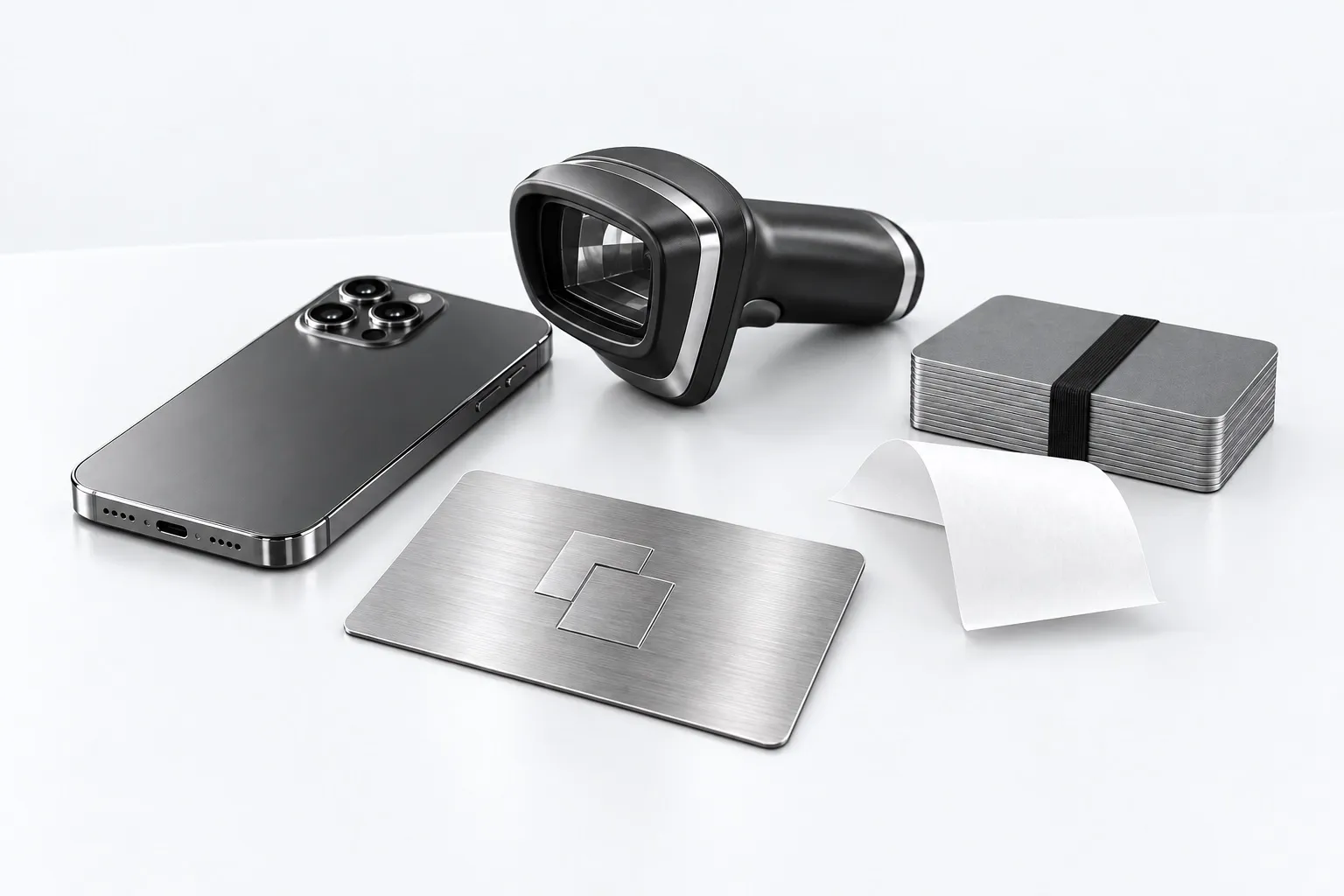
No dedicated scanner is needed: the Apex Loop scanner runs on any phone. The cashier points the camera at the card’s code, or looks the customer up by phone number if they left the phone in the car. The screen shows the name, discount, points and orders waiting to be collected.
After a purchase the system adds points and checks promotion and referral rules. Each promotion has its own discount, points, term and issue limit. Refer-a-friend invitations are protected against people inviting themselves.
What staff see depends on their role. A cashier works only with the till, a storekeeper hands out orders, a finance officer sees money but not guests’ names. Every thirty seconds the system checks whether an employee still works there and with what rights, so a dismissed employee loses access at once.
How to protect the card from screenshots
An ordinary barcode on a card can be photographed and forwarded. If the discount is good, strangers soon start using it.
We built protection the way banks do confirmation codes. The code on the card changes every minute and is calculated on the phone itself, the secret never travels over the network. When someone brings a forwarded picture to the till, the cashier sees “Code expired. Ask the customer to open the card on their phone”. If one card is used at two tills in a row, the second one shows “The discount was just applied at another till”.
Google describes this mechanism in its guide to rotating barcodes: the code typically changes every minute and reduces the risks of screenshotting. The same page has an important warning. Keeping an ordinary static barcode next to the rotating one as a fallback negates most of the security benefit. Google also recommends a secret key scoped to a single card and keeping it out of the link that adds the card.
What you can send to the card
The card can change after it has been issued, which is the main difference from plastic.
- Discount and points. They update right after a purchase, and the customer sees them on the card.
- Messages. The company sends text straight to the card, and it pops up on the phone’s screen like a messenger notification, for example about a new promotion or an order ready for collection.
- Design. A new banner or seasonal colours.
- Tickets and entry. For clubs and venues: events with fares and capacity, one order gives one entry, season passes, cancelling and reissuing a ticket from the dashboard.
The wallets themselves limit messages. Google’s notification guide says you may send at most three messages and three updates that trigger a push notification in 24 hours, and only users with pass notifications enabled will get them. A message without a notification simply lands on the back of the card.
Influencers are a separate story. An influencer has their own dashboard with links, QR codes, visits and earnings, but never sees customers’ names or phone numbers, as personal data law requires. They can be paid a fixed fee, per new customer or a share of purchases, and a refund removes the accrual automatically.
Limits set by Apple and Google
These are worth knowing before anyone draws the card layout.
Fonts. Neither Apple nor Google allows custom fonts on a card. The brand’s typography goes into the banner image, so a logo lettering or slogan is best placed in the banner from the start.
Design updates. On Android a new design reaches every issued card at once. On iPhone the card has to be reissued and the phone woken with a silent signal, and Apple does not guarantee delivery. You cannot count on the new design reaching every iPhone in the same minute.
Message frequency. The wallet allows waking the phone no more than three times a day per card. So in Apex Loop messages go out silently by default, with a 15-minute pause during which they can be cancelled. A typo in a message to the whole base can be caught before anyone reads it.
Deleting data. If a customer asks to delete their data, it takes one button: name and contacts are anonymised and the discount is reset.
Where this already runs
Apex Loop runs as our own product, and its website is al-360.ru. Different companies work on one platform, each with its own address, staff and customers, and their data never mix. Adding a new company is a setting in the dashboard.
On the same platform we are building cards for a chain of cosmetology studios (under NDA). There the Apple Wallet and Google Wallet card is linked from the start to the client card and packages in a client system of its own, while bookings and the till stay in YCLIENTS, a popular Russian salon booking service. It shows how a loyalty card becomes part of a larger client system instead of living on its own.
Frequently asked questions
Does the customer need to install an app?
No. The card is added from a link or QR code to the phone’s built-in wallet: Apple Wallet on iPhone, Google Wallet on Android.
Can someone get the discount with a screenshot of another person’s card?
Not in Apex Loop. The code on the card changes every minute, and for an old picture the till answers “Code expired”.
How many messages can be sent to a card?
No more than three messages with a notification per day per card, a limit set by the wallets themselves. In Google Wallet a message without a notification does not count towards it and simply appears on the back of the card.
Can the card use our brand font?
No, neither Apple nor Google allows it. The font and slogan go into the banner image.
Who owns the customer base?
The company. The customer list, purchase history and settings are kept by the company, not by a third-party service.
Who this fits
Shops, coffee places, salons, clubs and ticketed venues that want customers to come back and want to keep the customer base themselves. And companies that need their own loyalty product for many clients by subscription. Our other areas of work are on a separate page. If you want to discuss a card for your business, tell us in the form below what you have now: plastic, an app or nothing at all.