Contract and invoice automation works when documents are built from the deal data rather than from a template where a manager types text by hand. The client’s details are pulled in by their tax ID (INN), the total is calculated from the selected services, the system writes the amount in words and puts names into the correct grammatical case, and then the contract, invoice and act agree with each other without anyone checking them by eye. This is how we built the system for the legal firm GORONO: a contract with an invoice now takes a couple of minutes instead of 30-40.
Where contract templates break
Most companies start with a Word template. The places for the client name, amount and dates are highlighted in yellow, and the manager opens last month’s contract, saves a copy and changes the fields. This holds until the first rush.
The errors are always the same. The amount was changed in the header but the old one stayed in the appendix with the list of services. The amount in words does not match the figures because it was copied from another contract. Russian contracts decline names: “represented by General Director Ivanov” needs the genitive form, and templates leave the nominative. The city in the header gets the wrong ending too. A deputy signs under a power of attorney, but the text still names the director and the company charter. If the copy was made from another client’s contract, someone else’s name turns up inside.
At GORONO, before our system, a contract with an invoice was typed by hand in 30-40 minutes, and errors in company details were found only after signing. Fixing a signed document takes longer than assembling it correctly once.
| What breaks | Why it happens in a template | How it works at GORONO |
|---|---|---|
| Client details | Typed by hand or copied from an email | Pulled in by INN: name, registration number (OGRN), KPP, address |
| Amount in header and appendix | Edited in one place, forgotten in the other | Calculated from the selected services, cannot be typed in |
| Amount in words and name cases | Typed by hand | Filled in by the system |
| Signatory | The director from the previous contract stays | A deputy acting under power of attorney replaces the director |
Contract and invoice automation starts with the client record
A document cannot be more accurate than the data it was built from, so we started with the client record. At GORONO a client is created by INN: name, OGRN, KPP, address, types of activity and current licences are filled in automatically, and only the head of the company is entered by hand. If the INN is not found, the system highlights the fields for manual entry and the work goes on.
The second piece is the service dictionary. The abbreviation, name and colour of each service are stored in one place. Change the name in the dictionary and it changes in the deal, in finance, in the bot and in the client’s account. Contracts take service names from the same place, so an old wording that was fixed in the price list long ago cannot appear in a document.
With these two in place, a contract is built with one button from the deal data: number and date, client details, representative and the basis of their authority, services with amounts, payment stages, deadlines.
Why the total should be calculated from services
The most important decision at GORONO sounds modest: the contract total cannot be typed in. It is calculated from the services selected in the deal. Because of this, the figures in the contract header and in the appendix always match, and the invoice for the same deal is issued for the same money.
The amount in words follows from that. Nobody types it, the system builds it from the same figure. Templates most often go wrong exactly here, along with the case of the surname and the city name. The system fills in all three.
This matters for the act as well. In Russia an act of completed work is a primary accounting document, and Article 9 of Federal Law 402-FZ, the Russian accounting law, lists its mandatory details: document title, date, the name of the organisation that drew it up, the content of the transaction, its value with units of measurement, and the positions and signatures of the responsible people with surnames and initials. If the act is built from the same deal as the contract, its services and amounts match the contract and the accountant does not have to reconcile them. The same law allows primary documents to be drawn up electronically with an electronic signature.
An invoice with a payment QR code
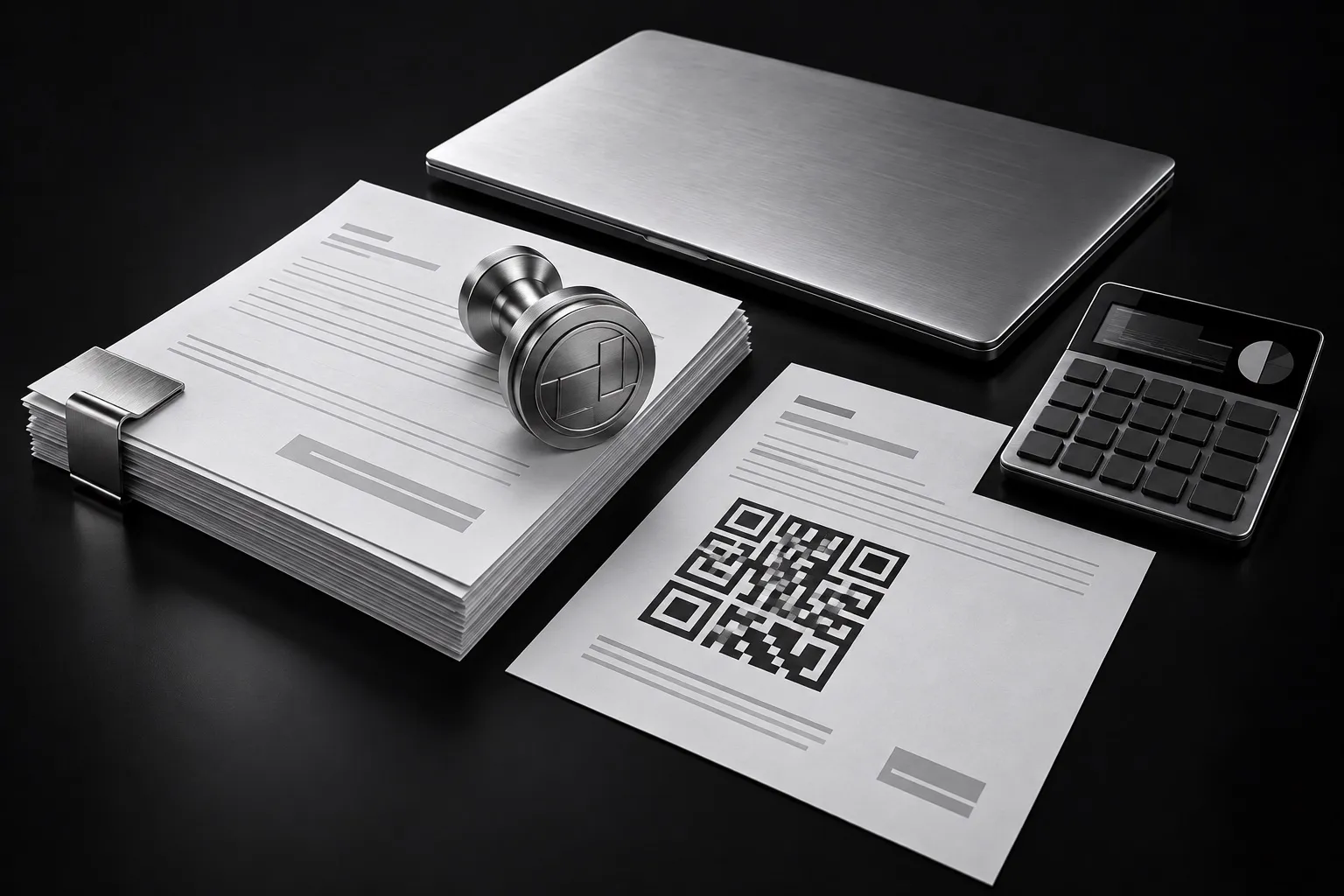
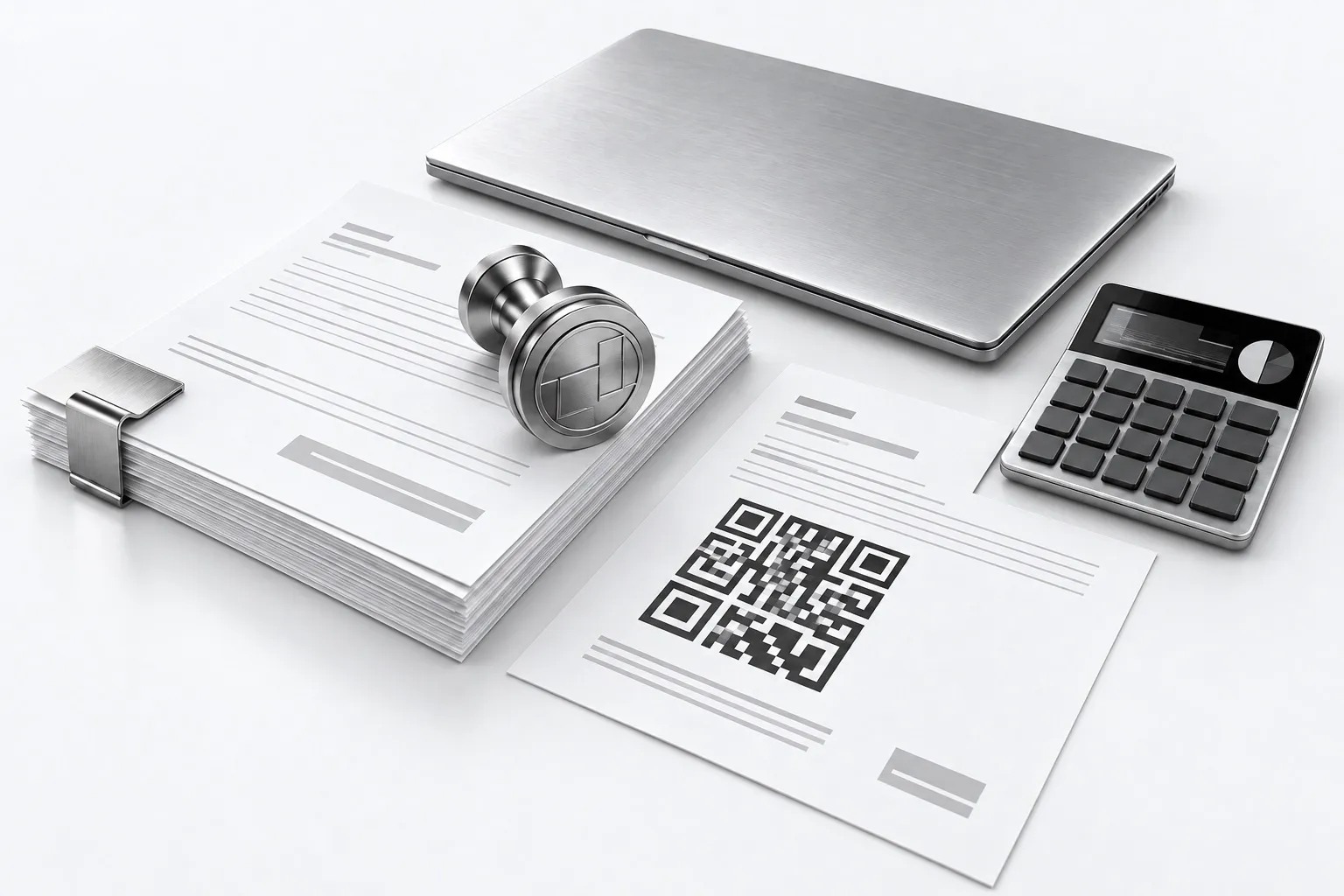
At GORONO an invoice is issued for the whole contract or for a single payment stage. It carries a QR code: the client points the camera in their banking app and the payment details and purpose fill in by themselves. Nobody can mistype the account number, because nobody types it.
The format of these codes is set by GOST R 56042-2014, the Russian national standard for two-dimensional payment barcodes. The mandatory part of the code holds the recipient’s name, their 20-digit account number, the bank name, the 9-digit bank identifier (BIC) and the bank’s correspondent account. The payment purpose and other data go into an additional block. The system already has all of this, so the code is built from the same details as the invoice itself.
What happens to the payment matters too. At GORONO the bank statement is loaded every hour. A payment finds the client by the payer’s INN and links itself to the deal when there is only one match. Unclear payments go to a “sort out manually” list instead of being recorded by guesswork.
Sending the whole package in one email
The finished contract goes to the client for approval and can be downloaded as Word or PDF. After approval, the contract, invoices and acts are sent to the client in one email straight from the deal card. The manager does not search folders or try to remember which version went out last time.
Commercial proposals work in a similar way. At GORONO a proposal is generated from the deal and sent to the client as a link with a personal access code, so only that client can open it. In another project, a sales and service platform for an equipment supplier (under NDA), the manager uploads a specification in Excel, PDF or another format. The generator parses the file, takes the client’s details from the shared directory of organisations and builds the proposal on the company template with the calculation. That project is still in development, and electronic document exchange and automatic UPD (the standard Russian transfer document) are planned on the same base.
Both projects share one idea: organisation details live in one directory, and a document engine builds documents from that data. The template controls how the document looks, the data comes from the database.
Checking the finished document
Even a correctly built document is worth checking automatically. GORONO offers clients a package of internal regulations: 92 documents with 1049 places where the organisation’s data is inserted. Before delivery, the package is checked for gaps and for leftover names from other templates. The same logic fits contracts: if a field was not filled in, the document should not go to the client.
Frequently asked questions
Can we automate contracts if we already have our own Word templates?
Yes. The company’s template stays as it is, and instead of the highlighted fields the system inserts the deal and client data. At GORONO the finished contract downloads as Word and PDF.
How do we stop errors in client details?
Create clients by their tax ID so the name, registration number, KPP and address fill in automatically, and do not allow the total to be edited by hand. Then the details and amounts in the contract, invoice and act come from one record and one deal.
What does a QR code on an invoice need?
The recipient’s details: name, account number, bank, BIC and correspondent account, which form the mandatory part of the code under the Russian standard GOST R 56042-2014. The client scans the code in a banking app and the payment with its purpose fills in by itself.
How much time does document automation save?
At GORONO a contract with an invoice used to take 30-40 minutes by hand and now takes a couple of minutes. The time spent fixing errors after signing goes away too, because details and amounts are no longer retyped.
Can an invoice be matched to the bank payment?
Yes. At GORONO the statement loads every hour, a payment finds the client by the payer’s tax ID and links to the deal, and unclear payments go to a separate list for manual review.
Who this suits
Building documents from the deal pays off where there are many similar contracts that differ each time in services, stages and signatory: legal and accounting firms, licensing consultancies, equipment suppliers, service companies. If you sign a couple of contracts a month, a careful template is enough.
If your contracts, invoices and acts live in separate files and figures are reconciled by hand, describe how the process works now in the form below. More of our work is in directions.